
Computer Case Guide: Everything You Need to Know When Choosing Your PC Enclosure
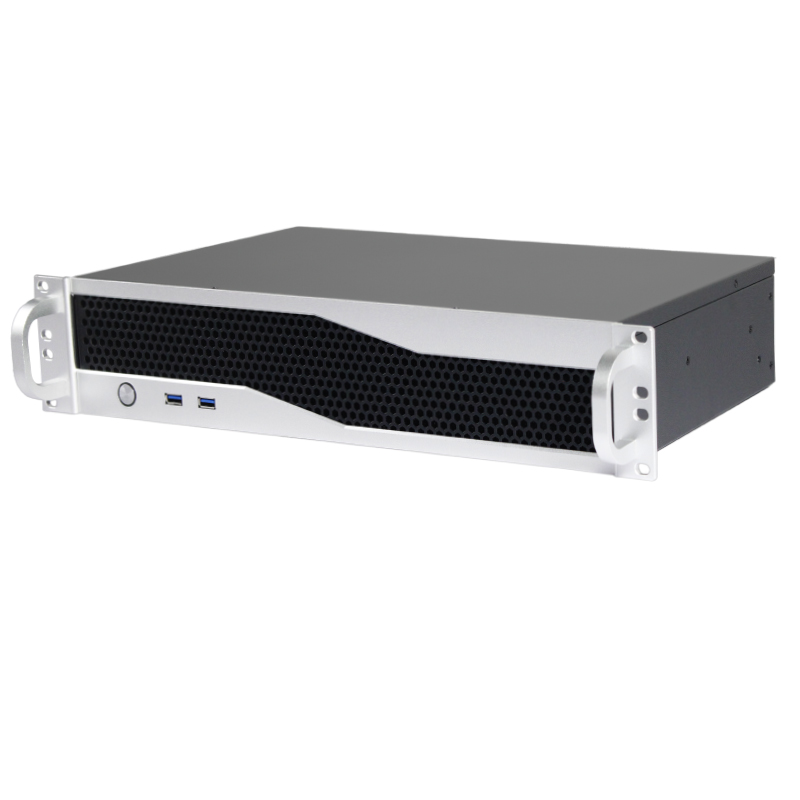
Choosing an enclosure starts with the components it needs to hold. Motherboard compatibility, cooling, storage and expansion all affect whether a case fits your system and installation.
Check motherboard and power supply compatibility
Confirm that the enclosure supports your motherboard format and power supply. Check mounting positions, internal clearance and cable space against the specifications for the exact chassis model.
Plan your cooling
Consider component heat output, available fan positions and the airflow path through the enclosure. Leave room for your CPU cooler and keep ventilation openings clear after installation.
Allow for storage and expansion
Count the drive bays and expansion slots your build requires. Check card dimensions and connector clearance, and consider whether future upgrades will need additional space.
Measure the installation space
For rackmount builds, compare rack height and chassis depth with the available space. Include handles, rear cables and access for maintenance when checking the fit.
Review the model specifications before ordering. Contact our team with your component list if you need help matching a chassis to your build.
View the original guide